How to Generate Ideas
Overcome writer's block by using AI to generate endless content concepts tailored to your niche.
Steps
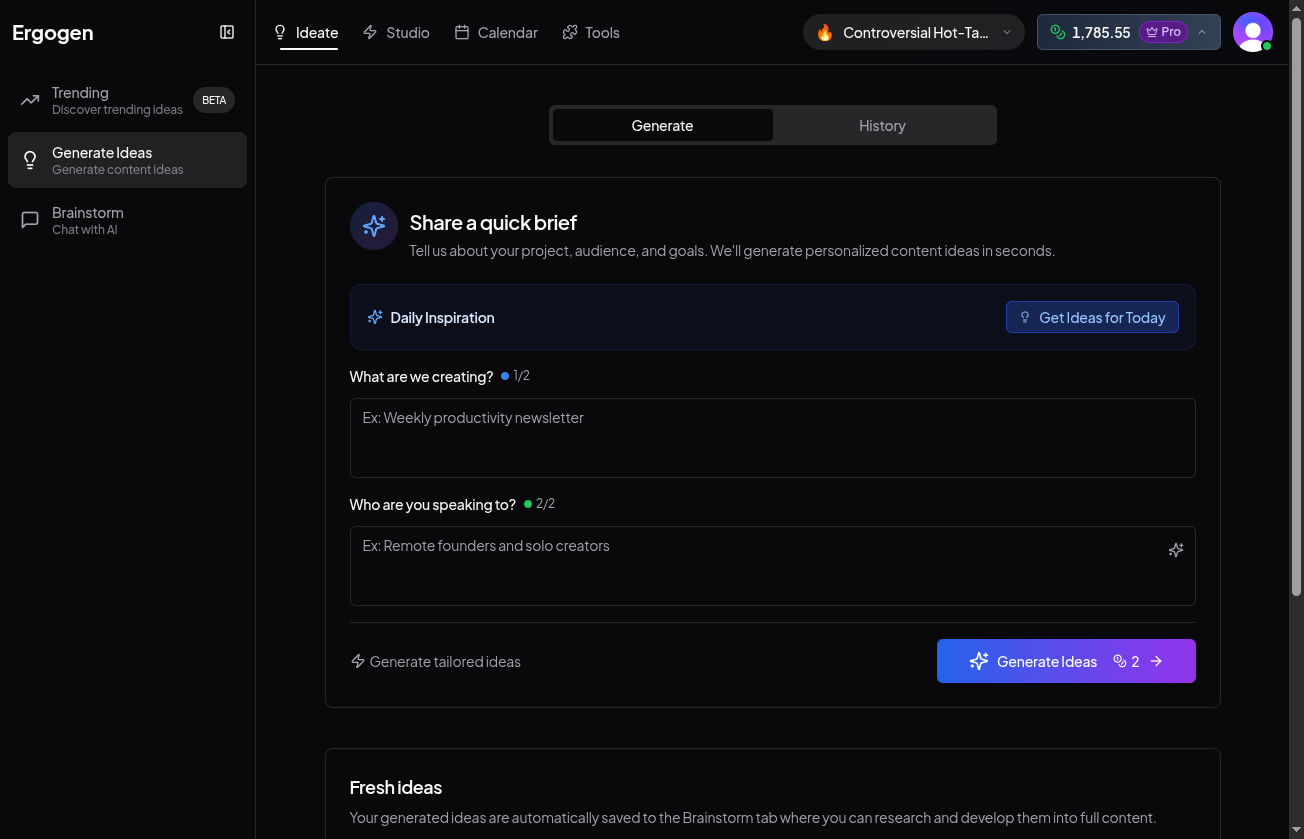
1. Navigate to Ideate
Click Ideate in the main navigation. Ensure the Generate Ideas tab is active.
2. Daily Inspiration
Short on ideas? Click 'Get Ideas for Today' in the Daily Inspiration banner. We'll automatically generate concepts based on trending topics and your interests.
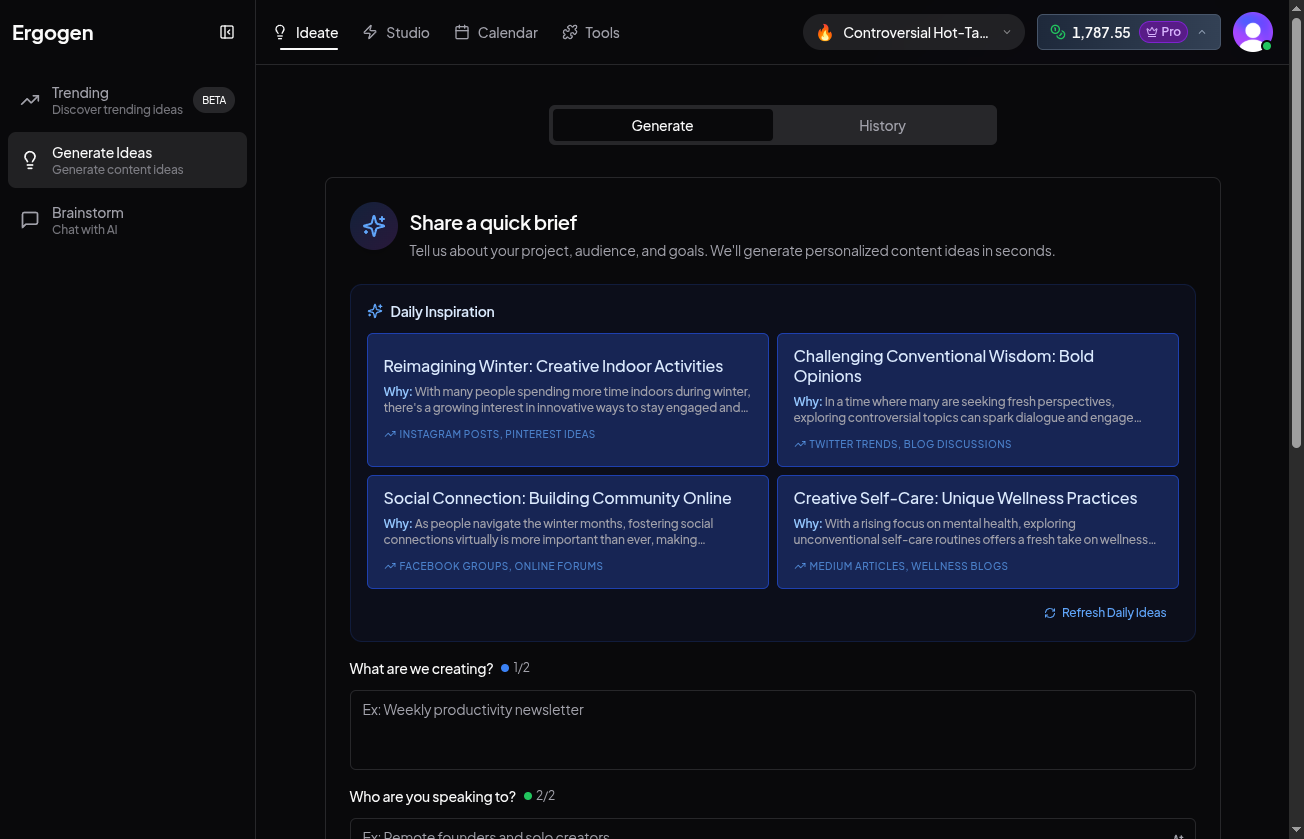
3. What are we creating?
Enter the topic or format you want. For example: 'Weekly productivity newsletter' or 'LinkedIn post about AI trends'.
4. Who are you speaking to?
Define your target audience to ensure the tone hits the mark. E.g., 'Remote founders and solo creators'.
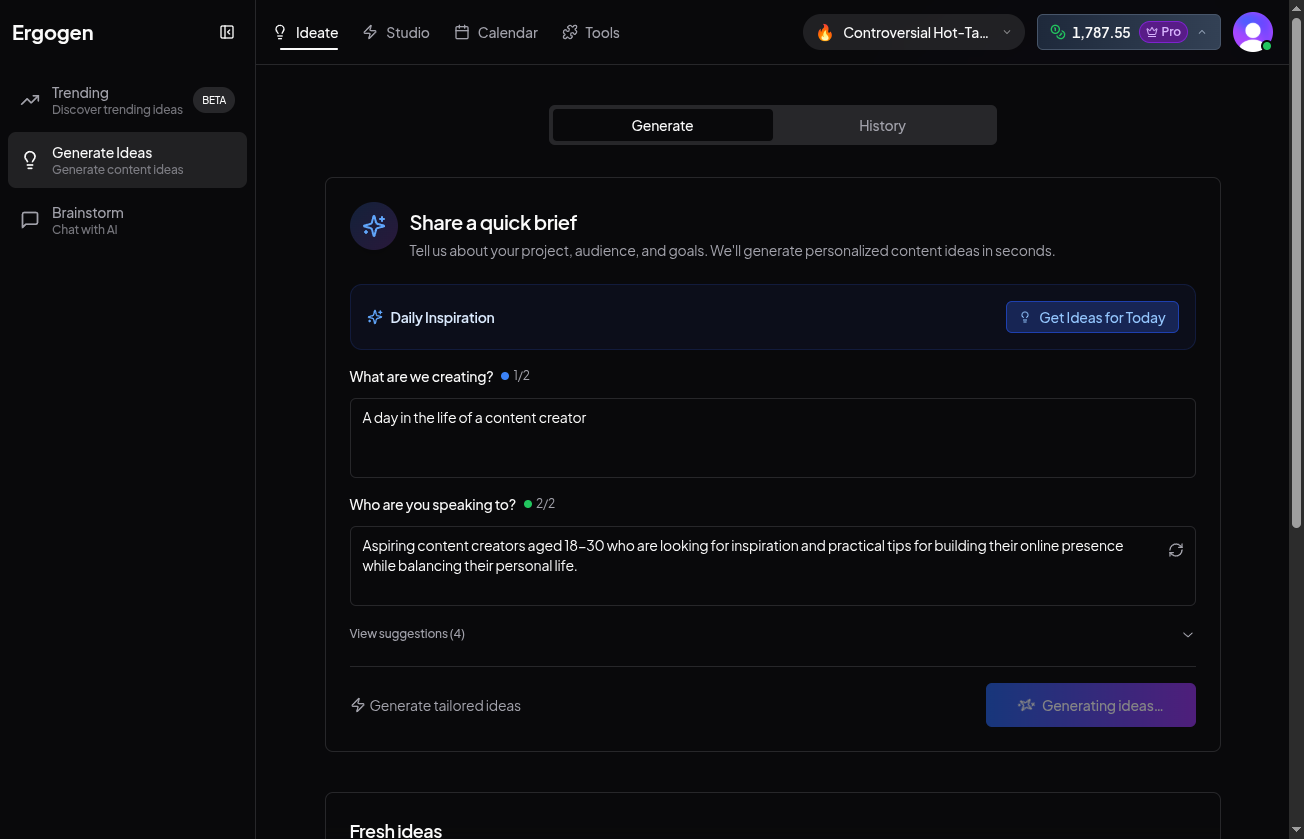
5. Generate Tailored Ideas
Click 'Generate Ideas'. The AI will produce a list of concepts specific to your inputs.
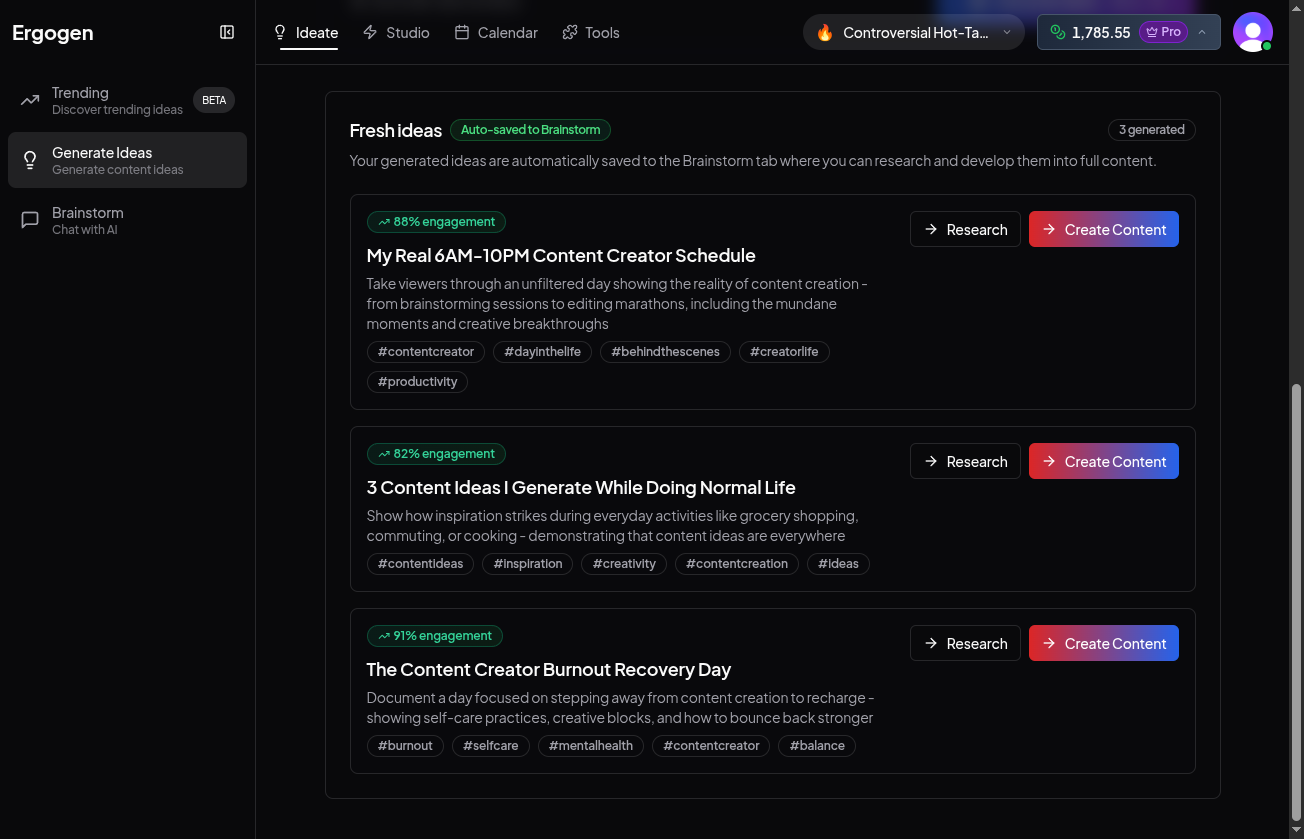
6. Review Your Fresh Ideas
Scroll down to the 'Fresh Ideas' section. Each card represents a generated concept complete with engagement predictions and tags.
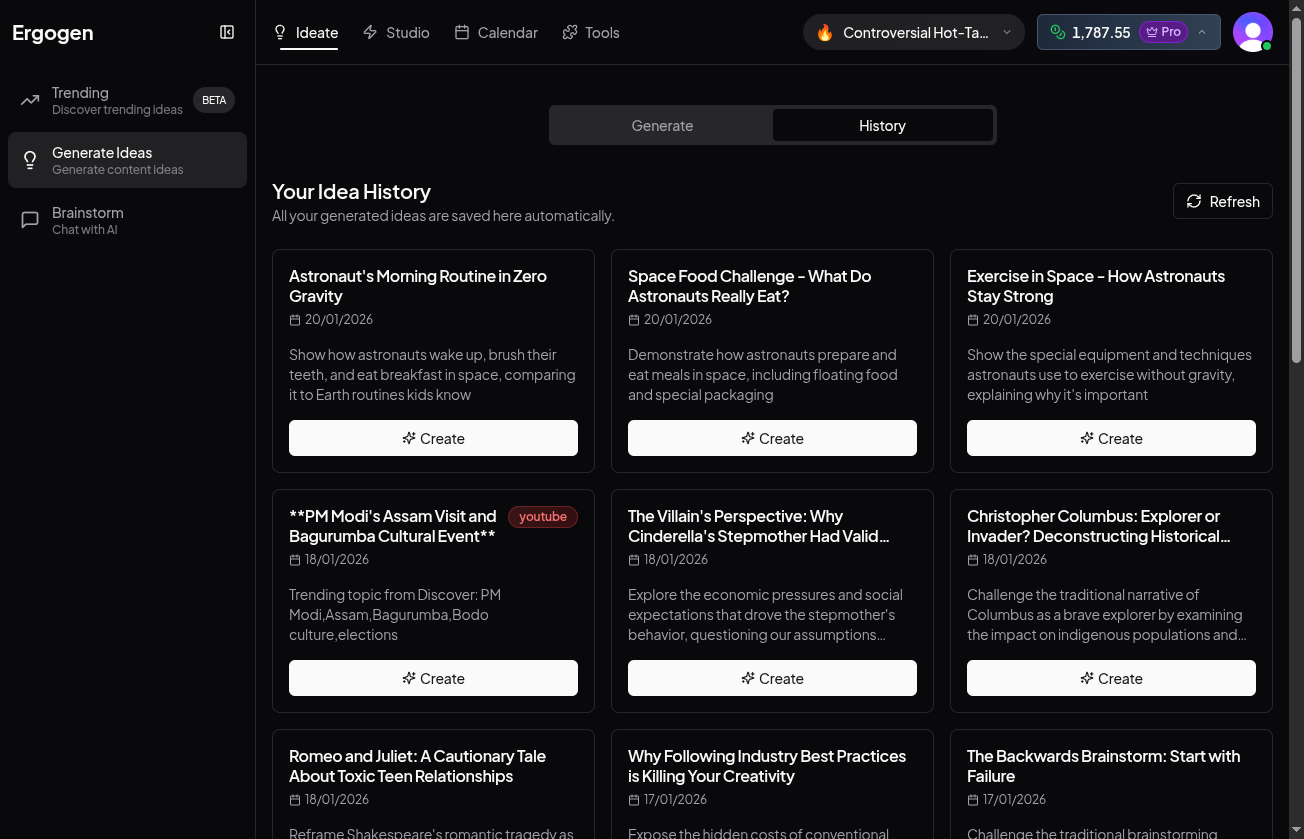
7. View History
Switch to the 'History' tab to see all your previously generated ideas. They are automatically saved so you never lose a spark of inspiration.
Pro Tip: Be Specific
The more specific your inputs, the better the results. Instead of just "marketing", try "B2B marketing strategies for SaaS startups".